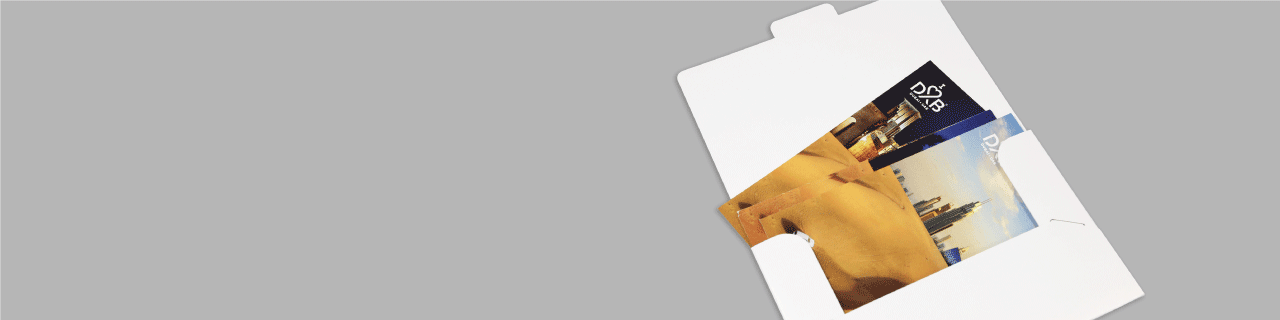
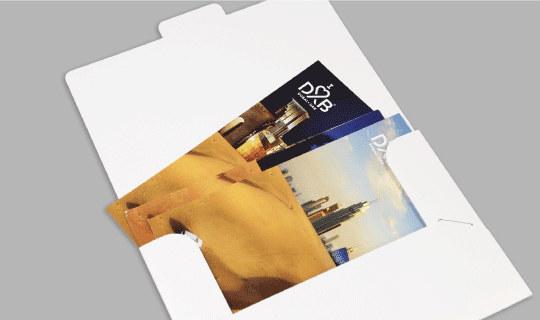
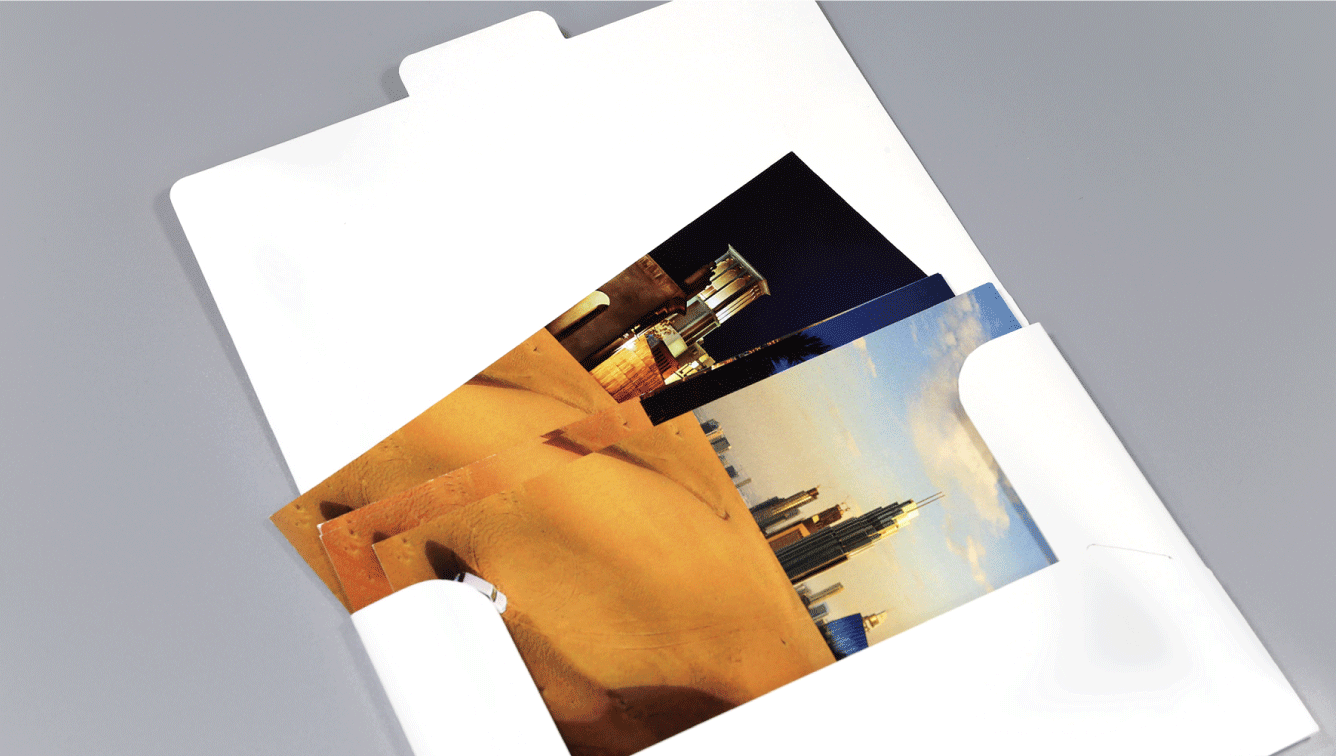
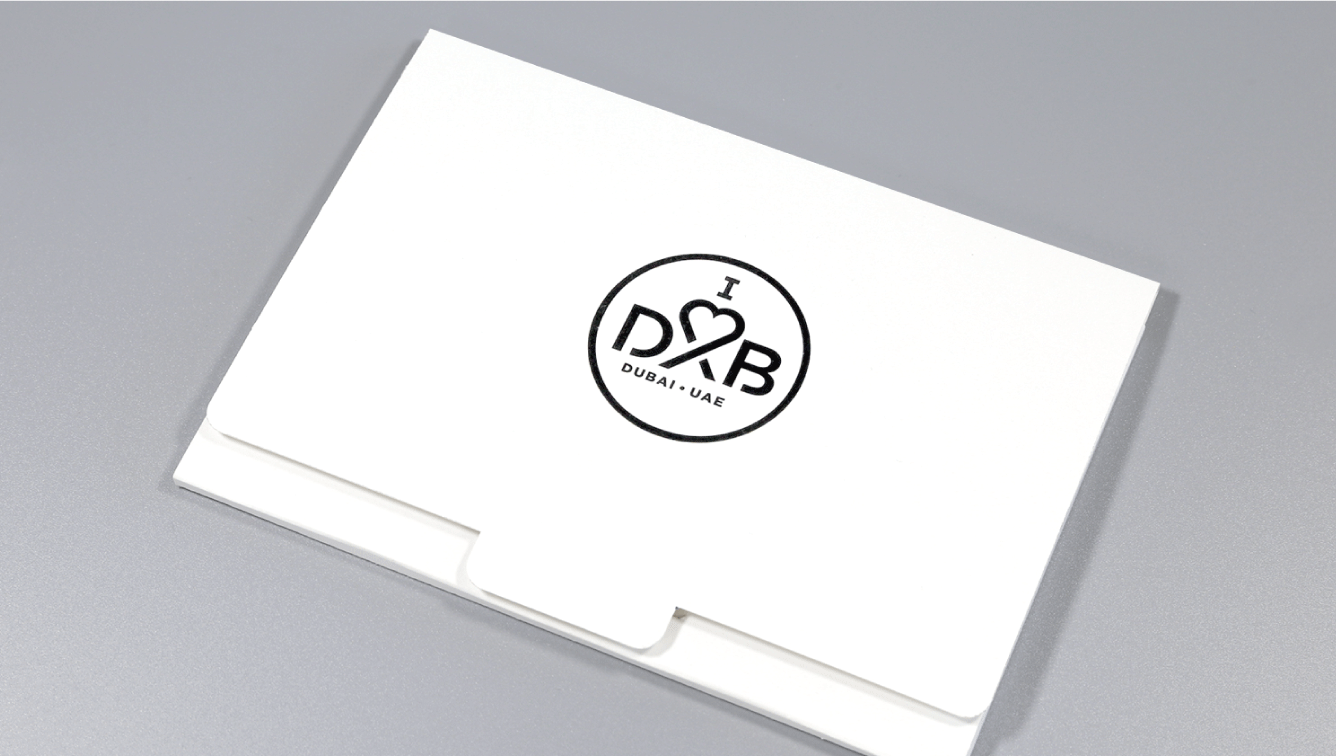
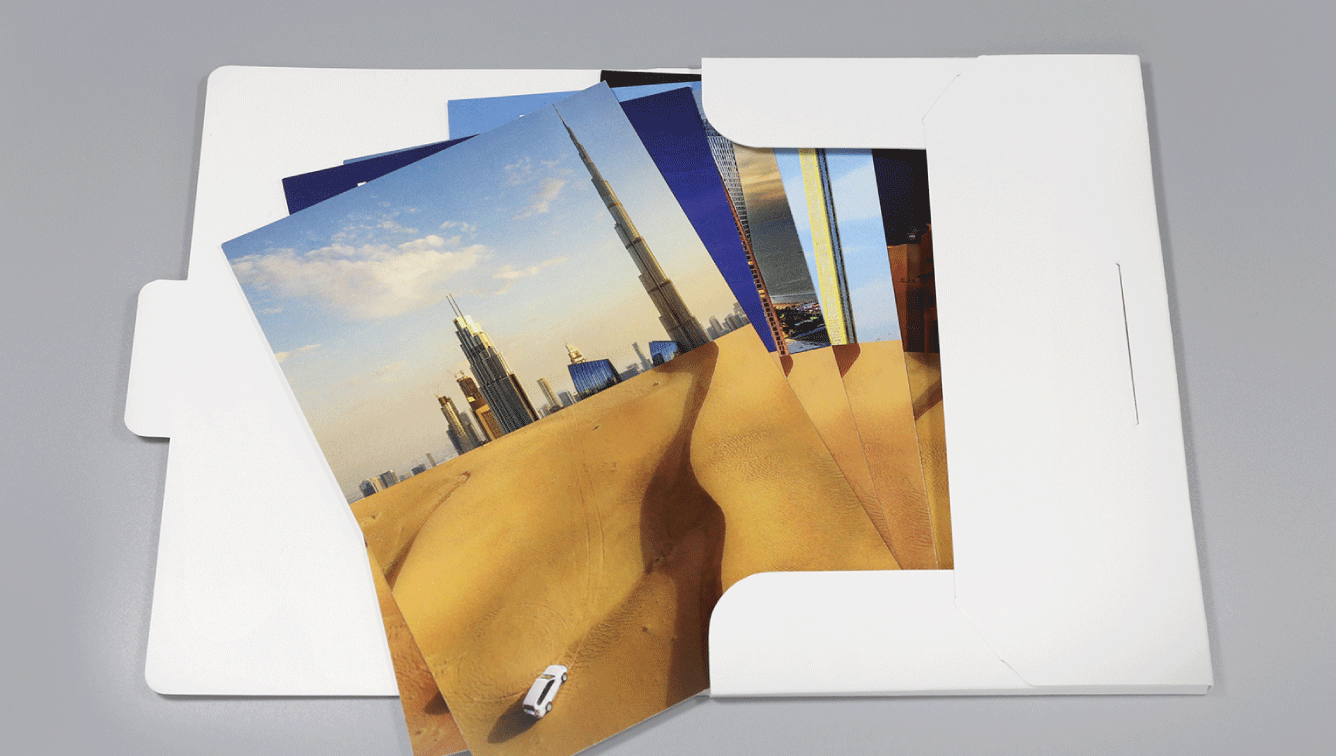
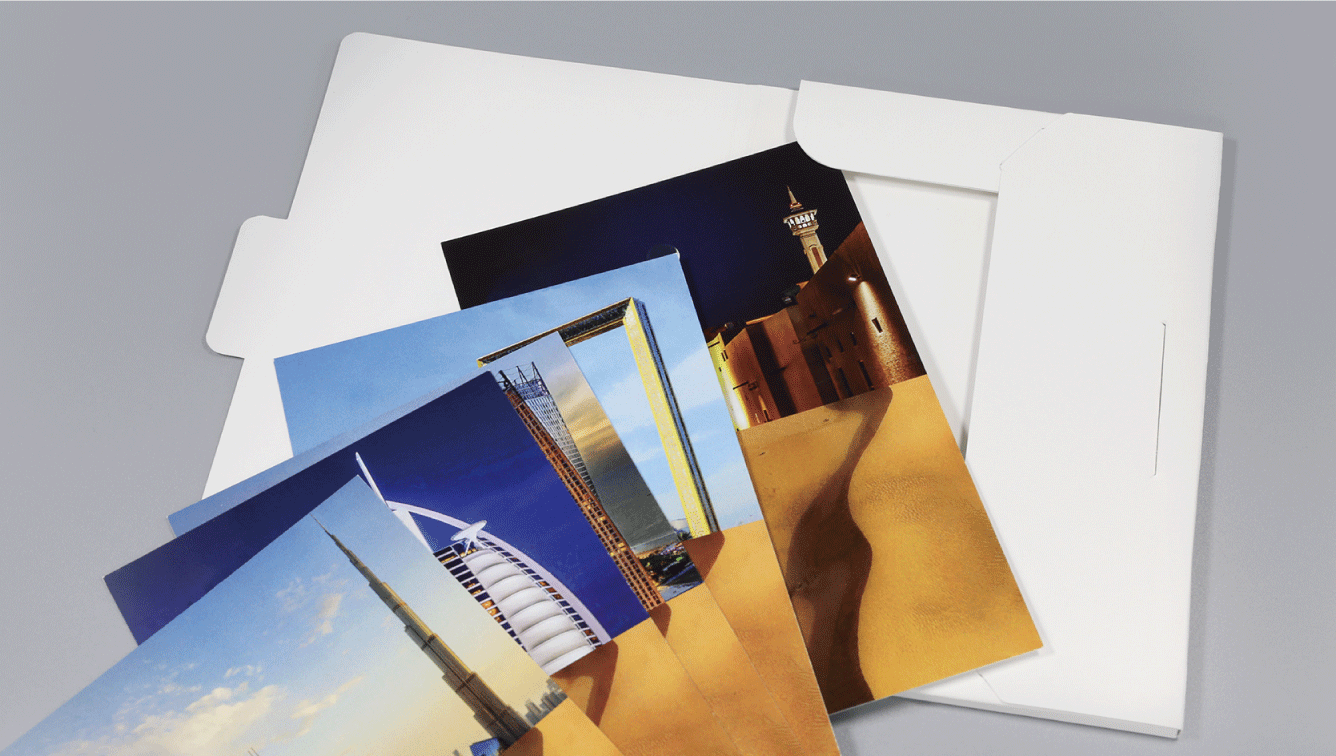
Choice of Shapes, No Cost of Dies
Reasons to choose 350gsm Stiff and Laminated Presentation Folders
A6 Ready Shape 1-Pocket Folders - Ready Shape Templates 1 Icon
Ready Shape Templates
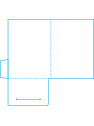
No need to pay for die. Download ready template and make fab designs.
A6 Ready Shape 1-Pocket Folders - Printed on 350gsm 2 Icon
Printed on 350gsm
Brilliantly printed one or both sides with Matt or Gloss Lamination.
A6 Ready Shape 1-Pocket Folders - Optional Finishings 3 Icon
Optional Finishings
Need a custom shaped cut or gold foil logo? Array of finishings available.
A6 Ready Shape 1-Pocket Folders - Free Delivery* 4 Icon
Free Delivery*
Enjoy complimentary (free) delivery within Manila.
Download Templates to Create Your Folders
Select our Template, Download it, and render your designs.

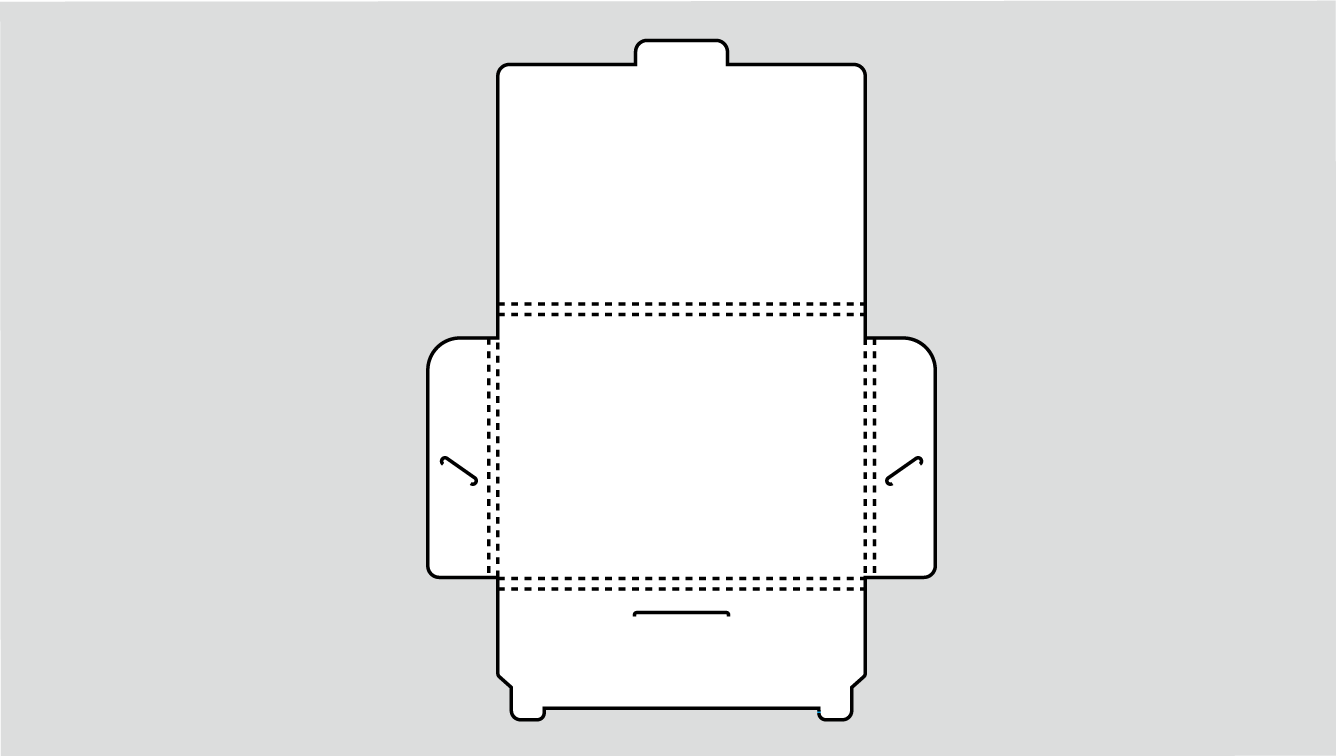
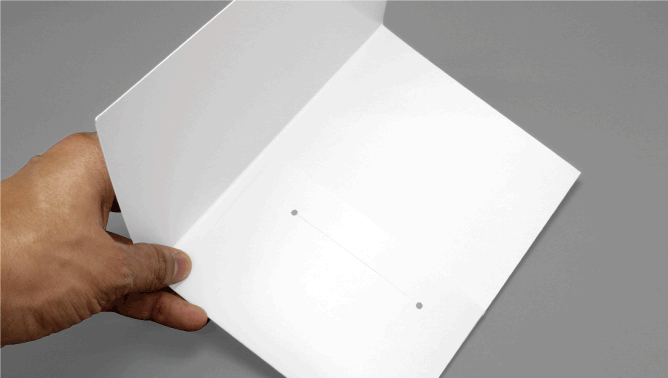
PF-070 • 1 Pocket + Spine

Starting from ₱2,100
  • Size: 225x156mm
  • Spread: 450x156mm
  • Spine: 4mm
  • Card Slits: Yes
PF-070 1 Pocket + Spine

PF-071 • 1 Pocket + Slit

Starting from ₱1,275
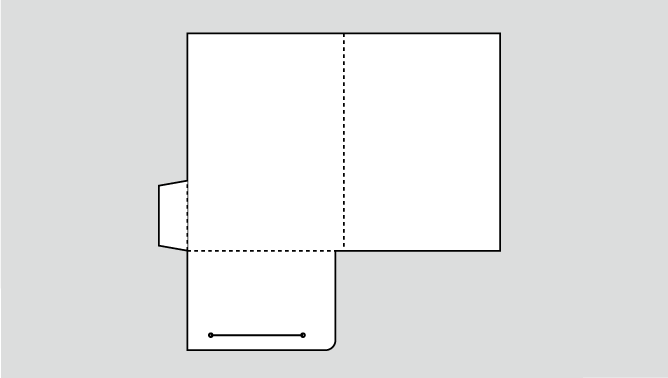
  • Size: 115x160mm
  • Spread: 230x160mm
  • Spine: 0mm
  • Card Slits: Yes
PF-071 1 Pocket + Slit
See more templates

{[ template.title ]}
Specifications
Printing & Finishings guidelines
Printing
--
Specifications
Sizes, Templates, Printing, Finishings, etc.
Sizes Sizes (in in)
1 Pocket + Spine 1 Pocket + Spine
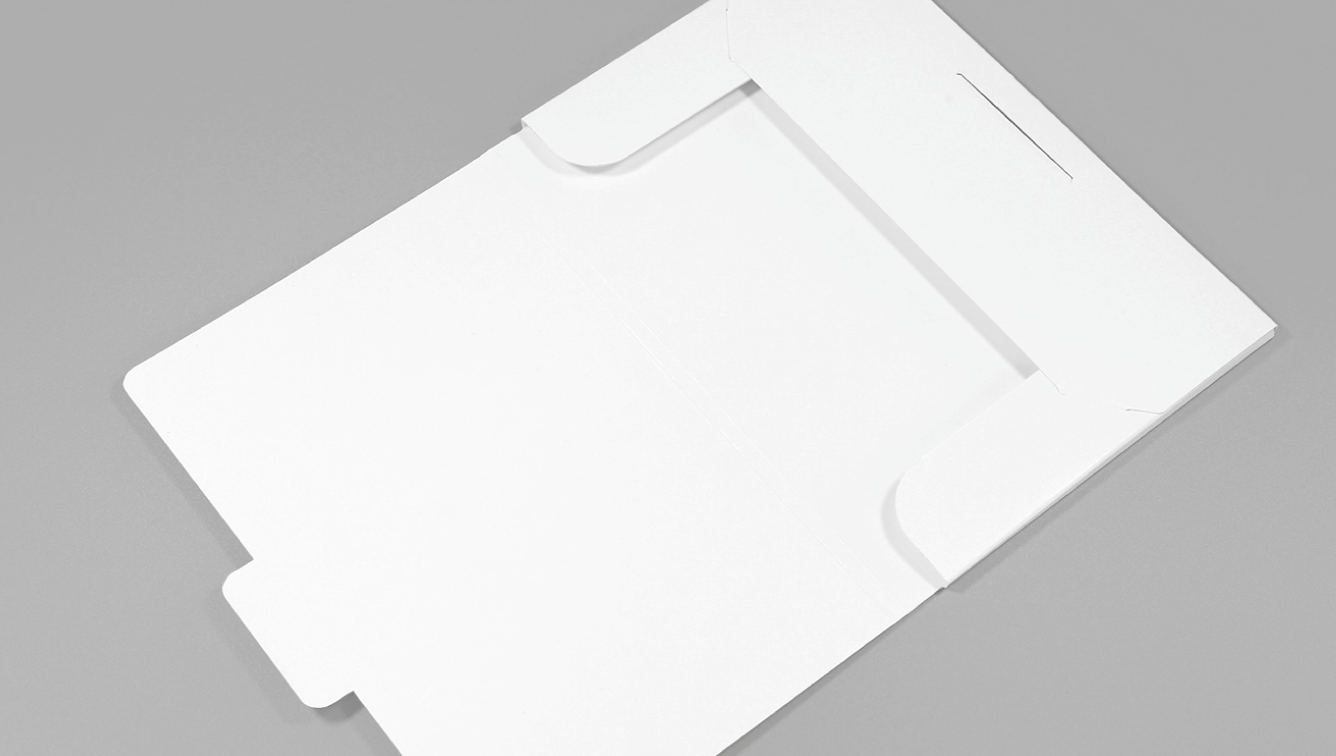
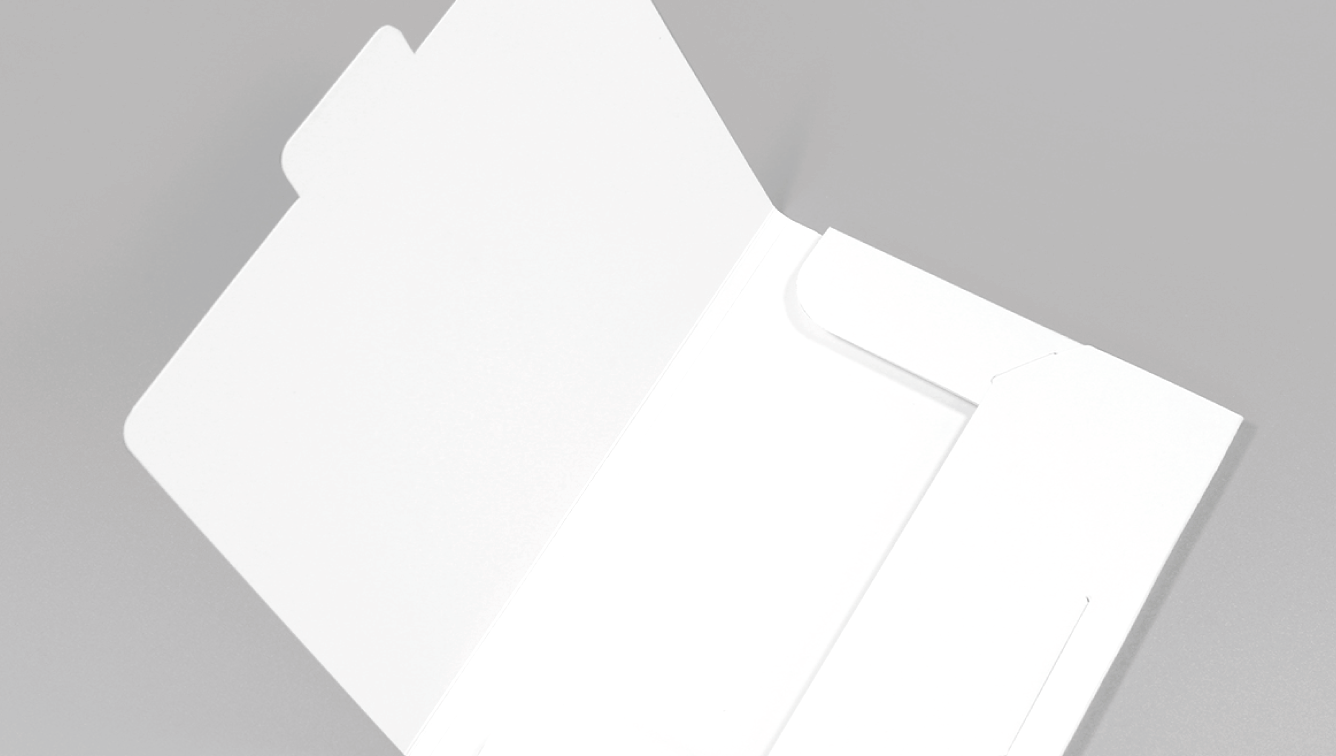
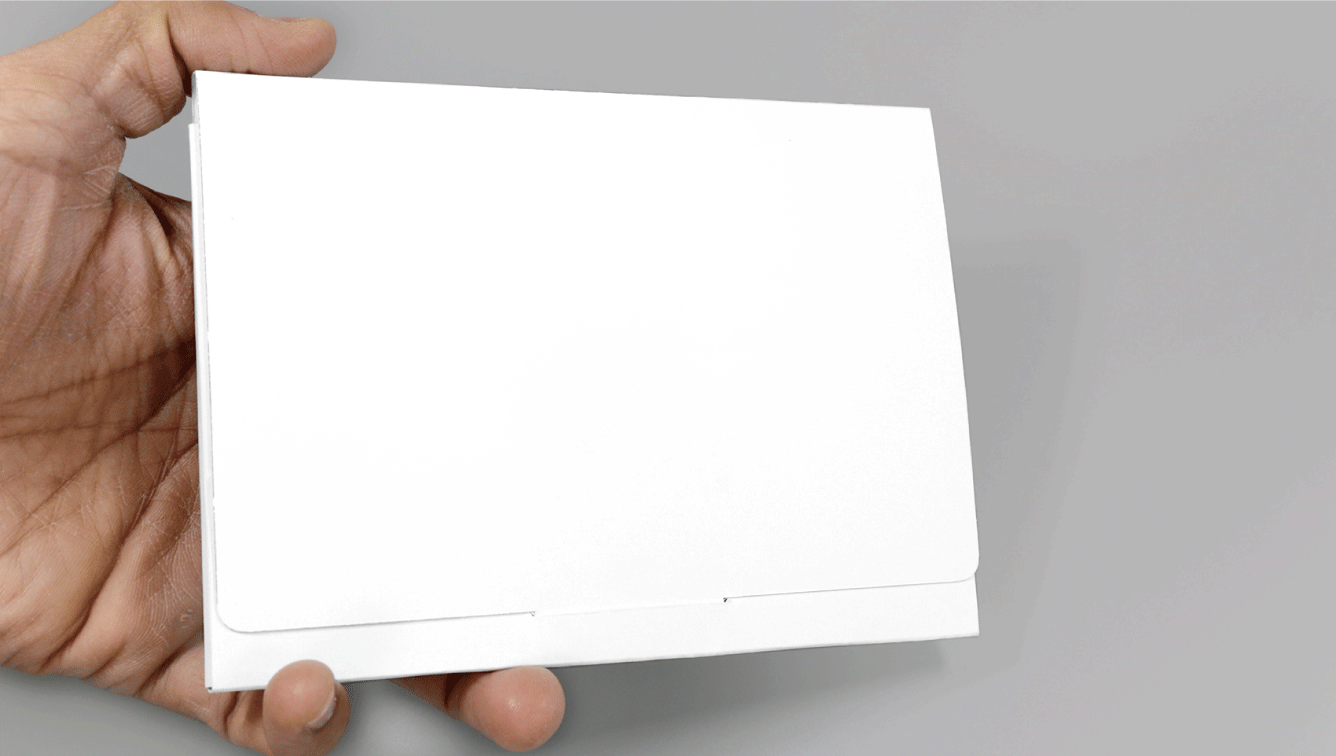
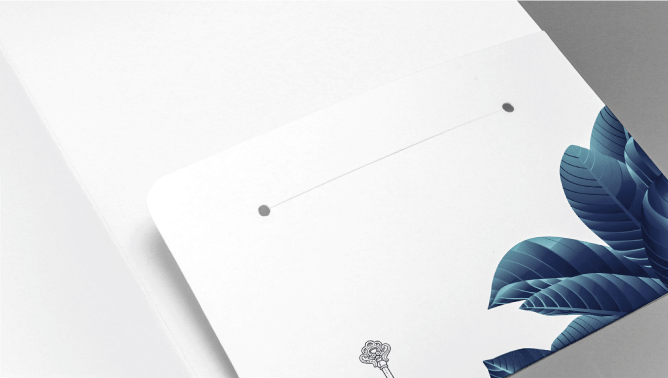
A6 Ready Shape 1-Pocket Folders - <span class="code text-danger font-weight-bold">PF-070</span>&nbsp;•&nbsp;1 Pocket + Spine 0x0in 01 Image
A6 Ready Shape 1-Pocket Folders - <span class="code text-danger font-weight-bold">PF-070</span>&nbsp;•&nbsp;1 Pocket + Spine 0x0in 02 Image
A6 Ready Shape 1-Pocket Folders - <span class="code text-danger font-weight-bold">PF-070</span>&nbsp;•&nbsp;1 Pocket + Spine 0x0in 03 Image
A6 Ready Shape 1-Pocket Folders - <span class="code text-danger font-weight-bold">PF-070</span>&nbsp;•&nbsp;1 Pocket + Spine 0x0in 04 Image
1 Pocket + Slit 1 Pocket + Slit
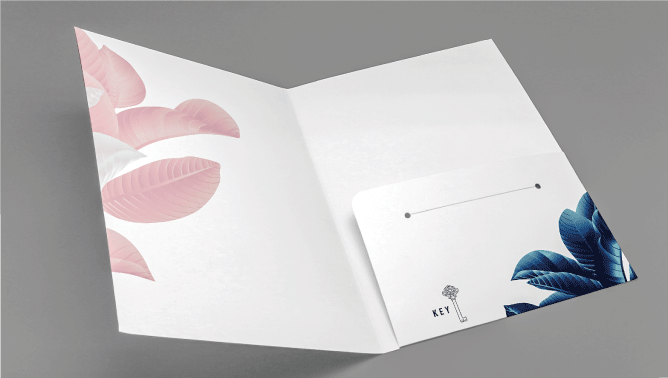
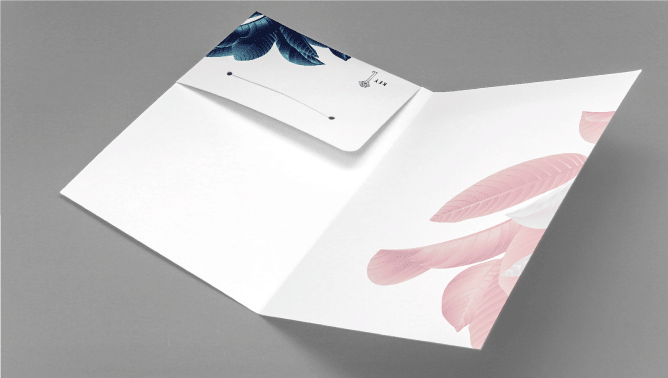
A6 Ready Shape 1-Pocket Folders - <span class="code text-danger font-weight-bold">PF-071</span>&nbsp;•&nbsp;1 Pocket + Slit 0x0in 01 Image
A6 Ready Shape 1-Pocket Folders - <span class="code text-danger font-weight-bold">PF-071</span>&nbsp;•&nbsp;1 Pocket + Slit 0x0in 02 Image
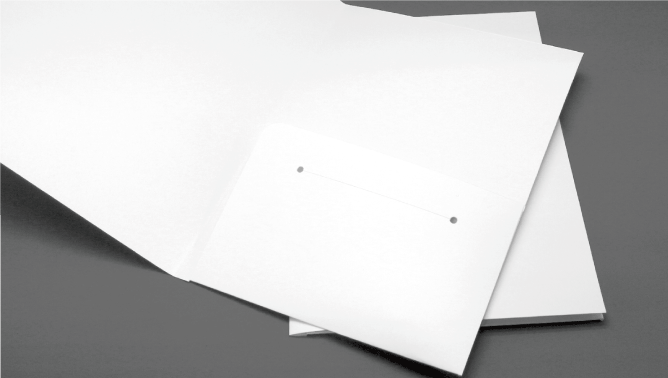
A6 Ready Shape 1-Pocket Folders - <span class="code text-danger font-weight-bold">PF-071</span>&nbsp;•&nbsp;1 Pocket + Slit 0x0in 03 Image
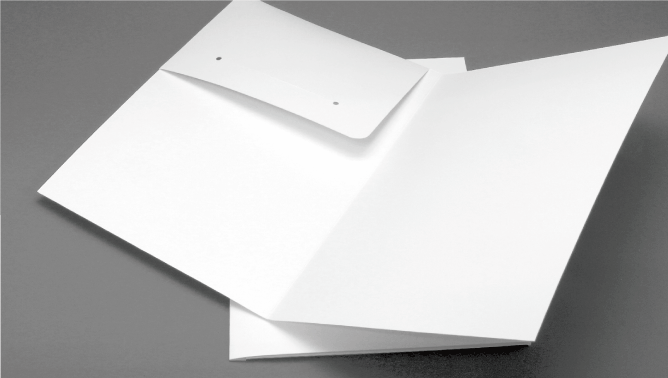
A6 Ready Shape 1-Pocket Folders - <span class="code text-danger font-weight-bold">PF-071</span>&nbsp;•&nbsp;1 Pocket + Slit 0x0in 04 Image
Download templates
Quantity Quantity
Offered print-run: 250~1,000 copies
  • 1
  • 10
  • 50
  • 100
  • 250
  • 500
  • 1,000
  • 2,000
  • 5,000
  • 10,000
Printing
--

How to order

It’s simple. It’s easy. It’s just a few clicks away

Step 1

Step 1

Select your desired
product from menu

Step 2

Step 2

Upload your data, or
ask for design service

Step 3

Step 3

Review order and
make payment

Step 4

Step 4

Receive order and
delivery notifications

Step 1: Select the product you want and customise to your liking.
Select the product you would like to order

Clicking the ‘Check Prices’ or ‘Order Now’ button will take you to the ‘Configuration & Upload’ page.

Customise your specifications by selecting size, paper, colour, quantity and any finishing options.
Depending on which options or finishings are selected, the estimated delivery date will adjust.
The price sub-total will automatically update at the bottom.

Step 2: Upload your artwork or use our graphic design services.
Upload your work

Good If...

  • You have a print-ready design
  • Your artwork was created in design software or by a designer
Pre-made templates

No special software needed.

  • Select the template you like best
  • Add your own text and logo
  • Make a custom design in minutes!
Step 3: Review your order details & approve your digital proof.
Printing starts only after you confirm your digital proof.

We check the file(s) you uploaded for anything that might cause an error in printing.
If we come across a problem you will be notified by email and we wait for you to re-submit your artwork.

Once your data has cleared our quality checklist, we will send a digital proof of your data for you to confirm.
A delay in the approval process will cause a delay in the printing & delivery schedule.

Step 4: Your order is printed, packed and prepared for delivery.
We keep you posted for the free delivery schedule

Approved data is sent to the factory for production. We trim your order down to its final size, then it is
bound together with a sash and wrapped in brown paper for protection. When your order is ready to ship,
we will notify you by email, Whatsapp or by phone (for deliveries within Manila).

Deliveries to all other Emirates are shipped out via courier to arrive the following business day.

Know Before Order

While preparing your data, please take note of the following

CMYK Data Circle Check
CMYK Data
  • Data saved in CMYK colours is the correct format, as printing on paper is done by combining four colour inks: CMYK (Cyan, Magenta, Yellow and Black).
PANTONE Data Circle Remove
Pantone Data
  • We don’t print Pantone or Spot colours for Large Formate printing. If your data has Pantone or Spot colours, you must convert it to CMYK colours.
  • If above is disregarded, than Spot/ Pantone colours will be converted to CMYK colours. In such case, expect a colour shift in printing
RGB Data Circle Remove
RGB Data
  • Data in RGB colours (primarly used for Monitors, TV Screens and Phones) are not correct colours at all for printing on paper.
  • Make sure your data is created or converted to CMYK, and not RGB. If not, we will change to CMYK colours. In such case, colours may come out different.

Exclamation Metro Print will not be held responsible nor reprint orders due to poorly prepared data.

If in doubt please see our Artworking Guidelines for more information on how to prepare your data.

Where colour accuracy is critical, we strongly recommend investing in a printed sample to avoid disappointment.

TOP